Take a photo of your space, indoors or outdoors. Try paint colors on the walls, then floors, lighting, and furniture from the store.
Colors on a screen are a guide. Try a sample can before you buy paint.

Tap a wall and pick a color. Each wall can have its own. Trying paint is free, and it is done on your phone, so your photo is not sent anywhere to do it.
Choose from ready-made color sets, the colors on your mood boards, or paints sold in the store.
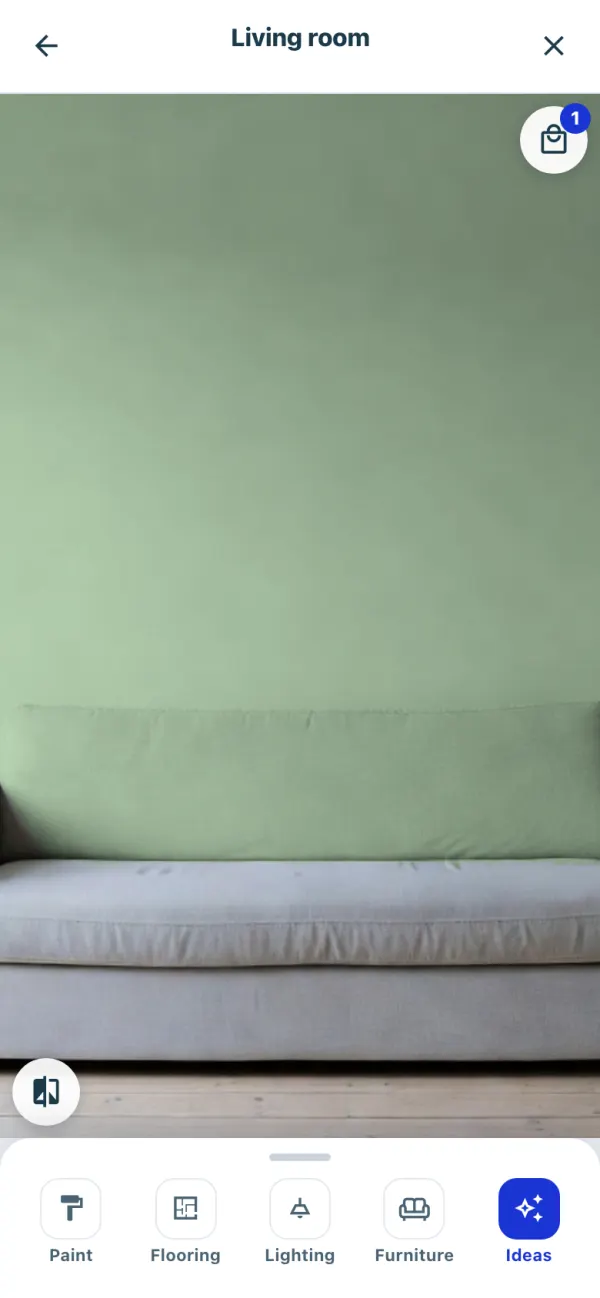
Pick a floor, a light, or a piece of furniture from the store and see a picture of it in your room. Like what you see? Add it to your wish list or a mood board.
These pictures are made by AI. They are a guide, not a guarantee of how a product will look.
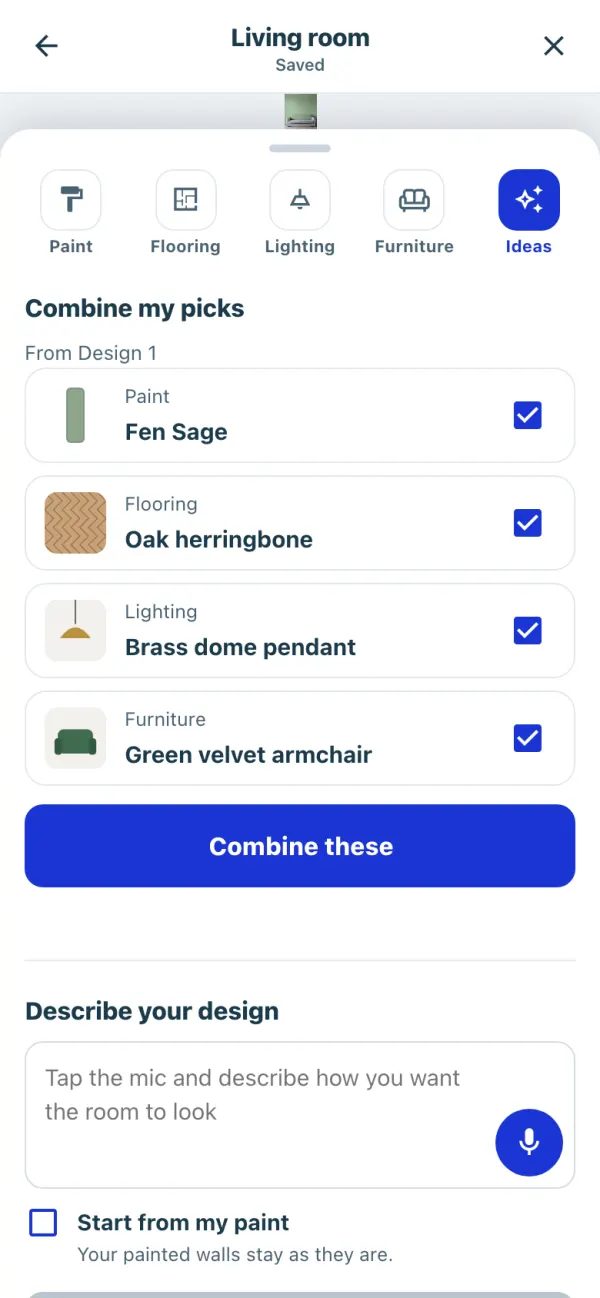
Bring your paint, floor, light, and furniture choices together in one picture.
Not sure where to start? Choose a style or two and see your room designed that way.
Type the look you want, or tap the microphone and say it out loud.
Trying paint colors is free. Pictures made by AI use credits, and a new account comes with some free credits to start.
Trying paint stays on your phone. To create an AI picture, the photo is sent to our AI providers, and we remove location data first.
No. The picture is a guide to help you choose. Check the product details, and try a sample can before you buy paint.
Yes. A space can be a backyard wall or a patio as well as a room.
Open Space Designer from the first screen of the app, take a photo, and start with a color.


