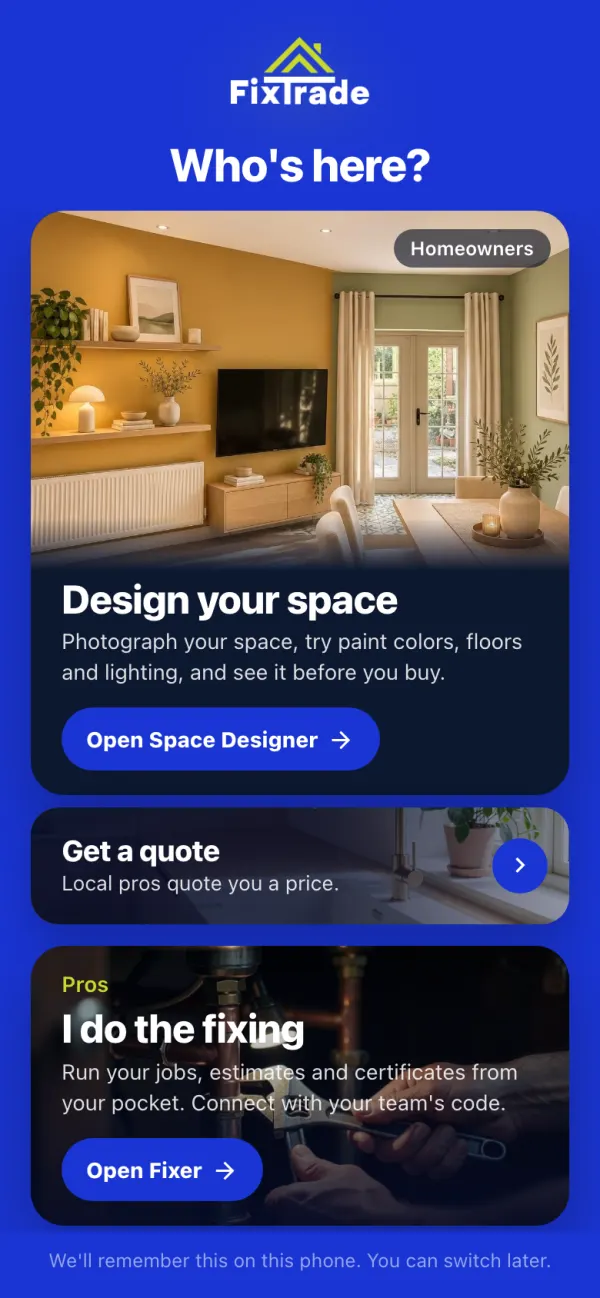
Design a room, save your ideas, get quotes from local contractors and shop for your home. One app, kept for years.
Space Designer puts paint colors on your walls and shows floors, lighting, and furniture from the shop in your own space. Stuck for ideas? Ask for a few styles or say what you want in your own words.
How Space Designer works →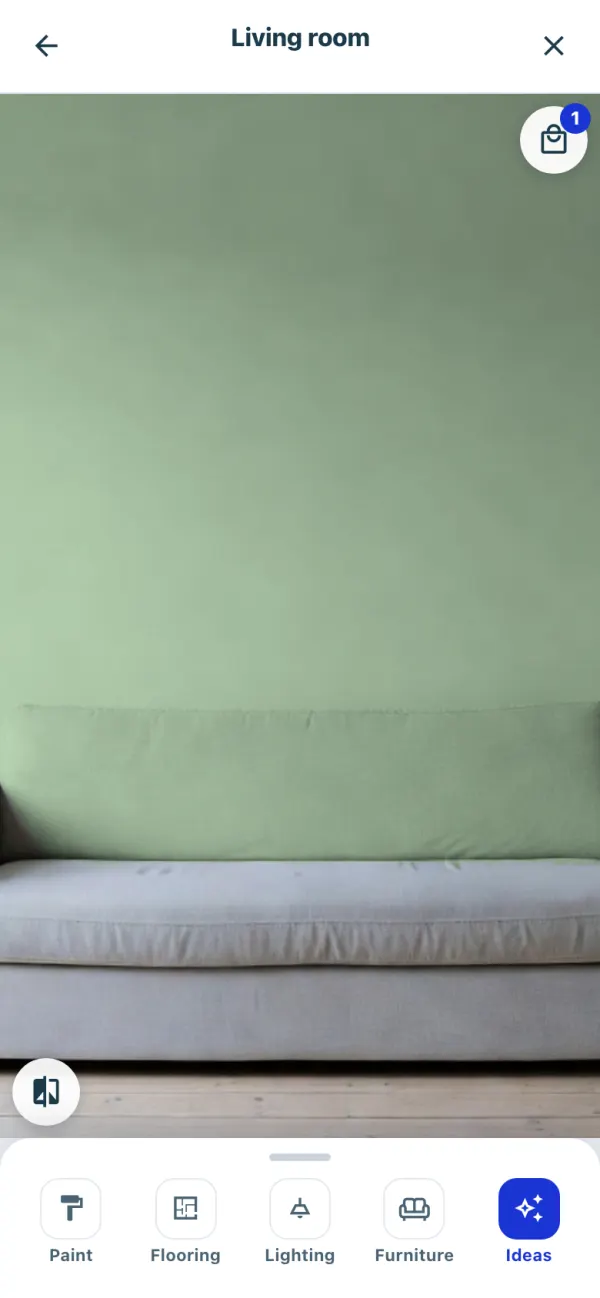
Keep the products, colors, and pictures you like, a board for each room. Boards are private unless you share one, and a wish list holds the things you may buy later.
More about mood boards →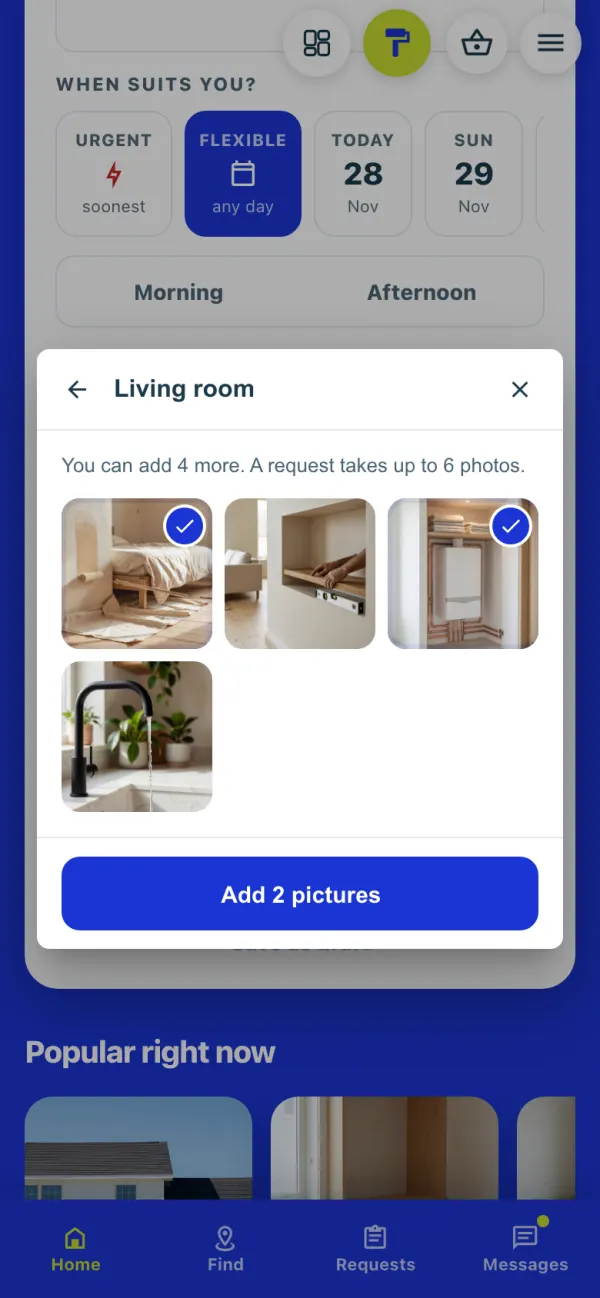
Say what needs doing in your own words and add photos. Fixer Buddy, the app's helper, can help you describe it. Local contractors quote you a price, and you message them in the app.
Your details are kept private until you choose a contractor.
How quotes work →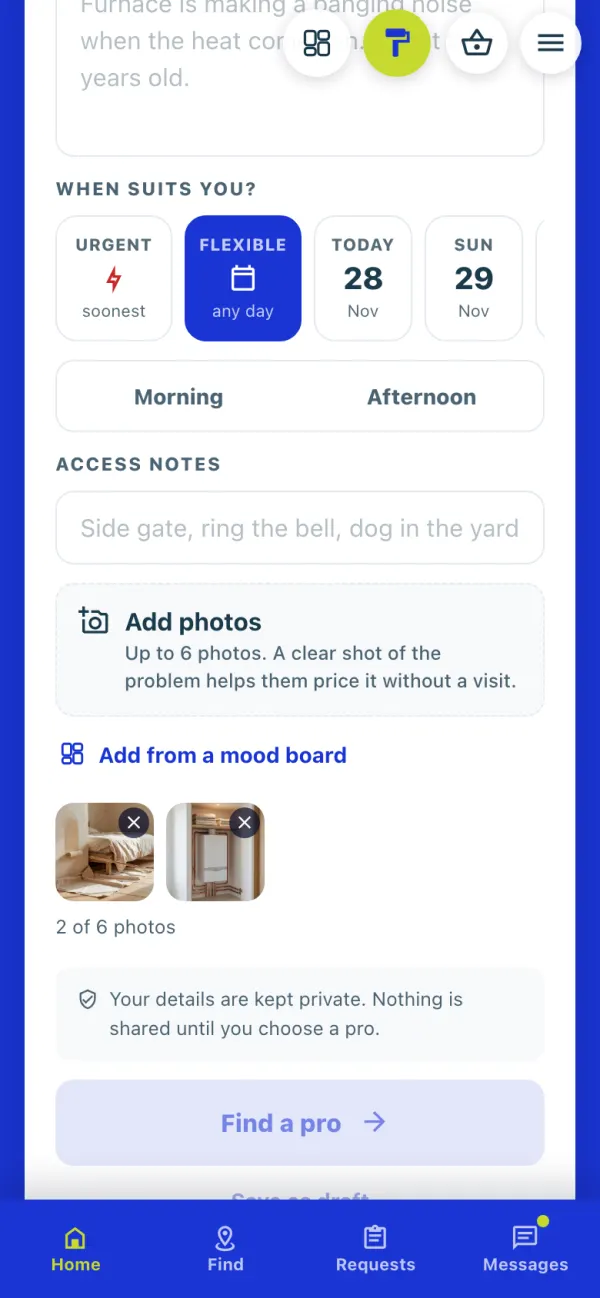
Browse the shop for your home. Some things you can buy now. Others come supplied and installed by a contractor, so the product and the installation arrive together.
Visit the shop →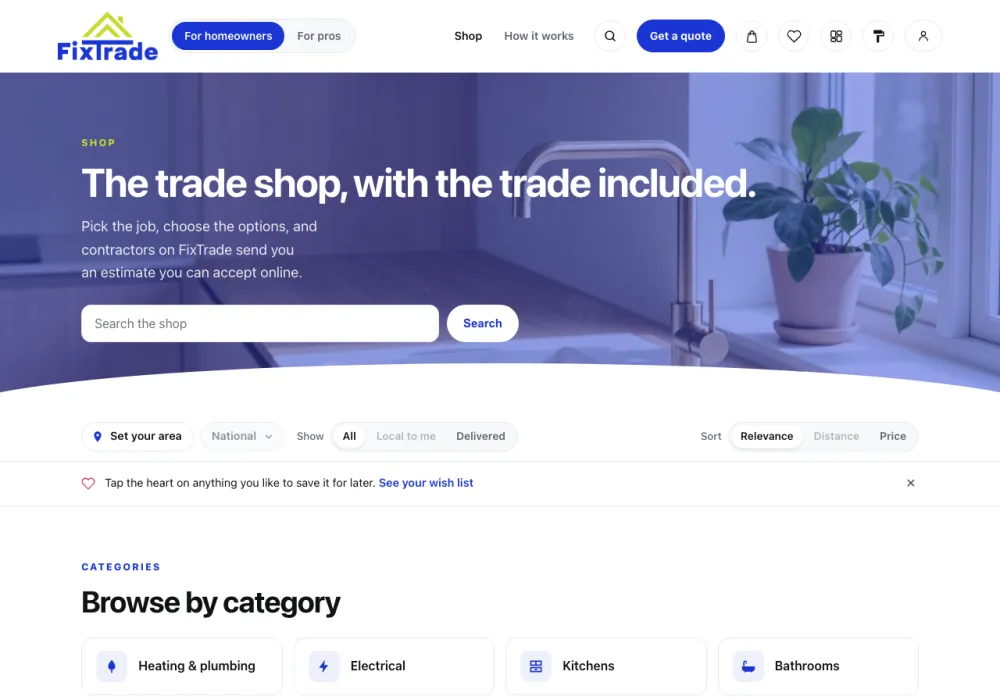
Post the job in a couple of minutes with photos and see the quotes as they come in.
Try a color, a floor, or a new sofa on a photo of your room before you spend anything.
Your requests, quotes, and messages stay in your account, ready for the next job.
It is on Google Play for Android phones. Use the button on this page.
You can look around first. You sign in with your email to save spaces and boards or to send a quote request.
Yes. You can ask for quotes, shop, and keep mood boards on fixtrade.com. Space Designer is in the app only because it uses your phone's camera.
Yes. The first screen asks who is here. Contractors open their own side of the app with their team's code.
Design a space, save your ideas, and get quotes from local contractors, from one app.


